To properly display this page you need a browser with JavaScript support.
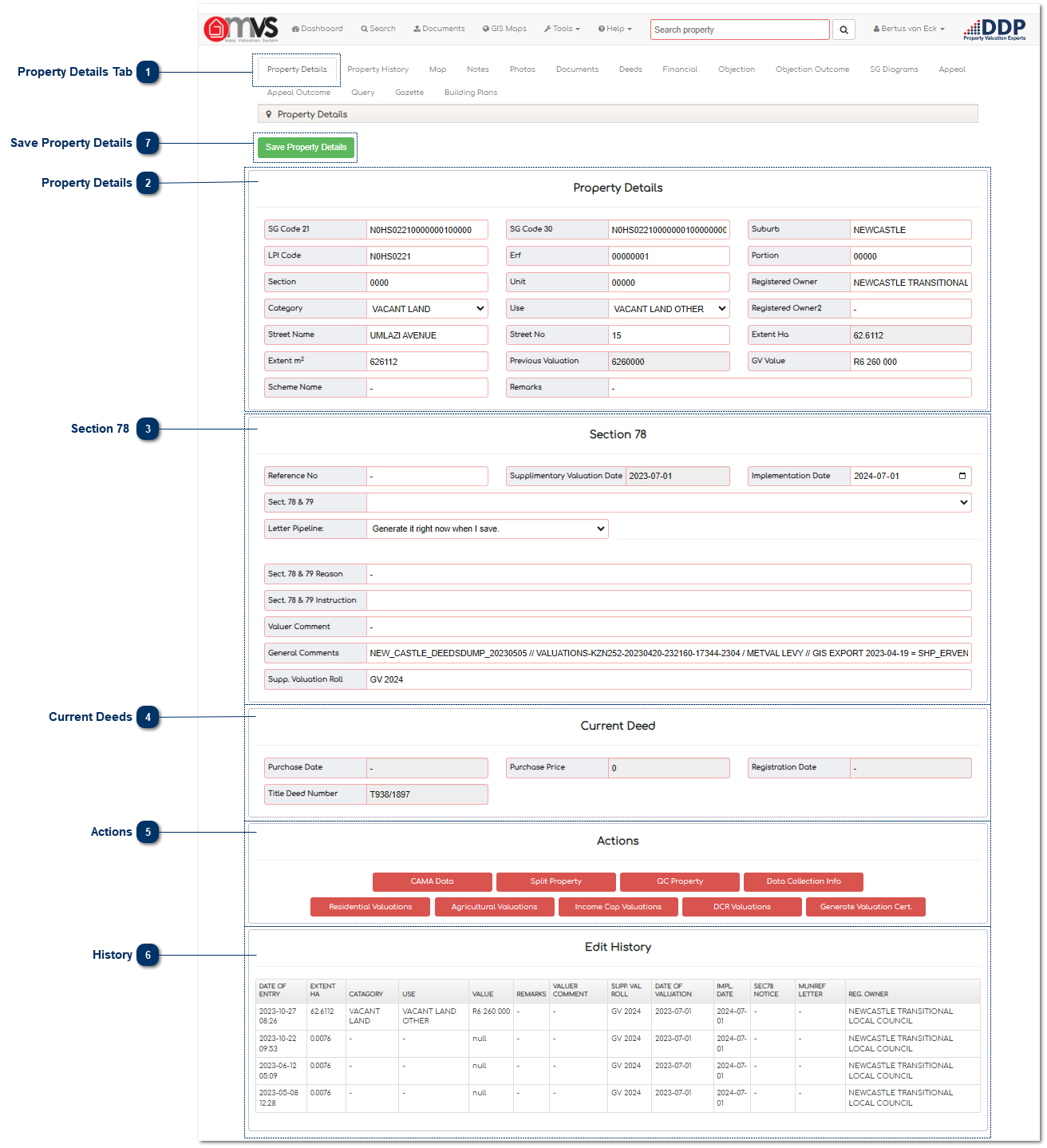
Property Details Tab This is where the Property Details are linked to a property will be displayed on the MVS.
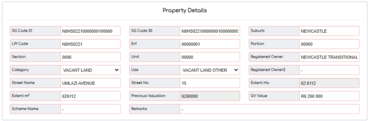
Property Details This is where the User can see all the property details as they appear on the Master File.
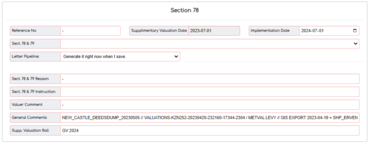
Section 78 This is where the User can prepare Supplementary Valuations in terms of Section 78 of the Municipal Property Rates Act 6 of 2004.
Current Deeds This is where the User can see a summary of the Deeds that are loaded on the MVS.
Actions This is where the User can apply different methodologies to value the property in terms of the use.
Like the following:
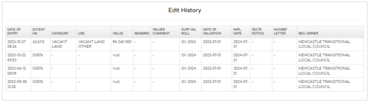
History This is where the User can see the history summery of the property, and all changes and amendments. The full History of the property is available in the Property History tab.
Save Property Details When the User is done editing any details they must click the "Save Property Details" button.