To properly display this page you need a browser with JavaScript support.
5.9.1.3.6. Agricultural Valuation
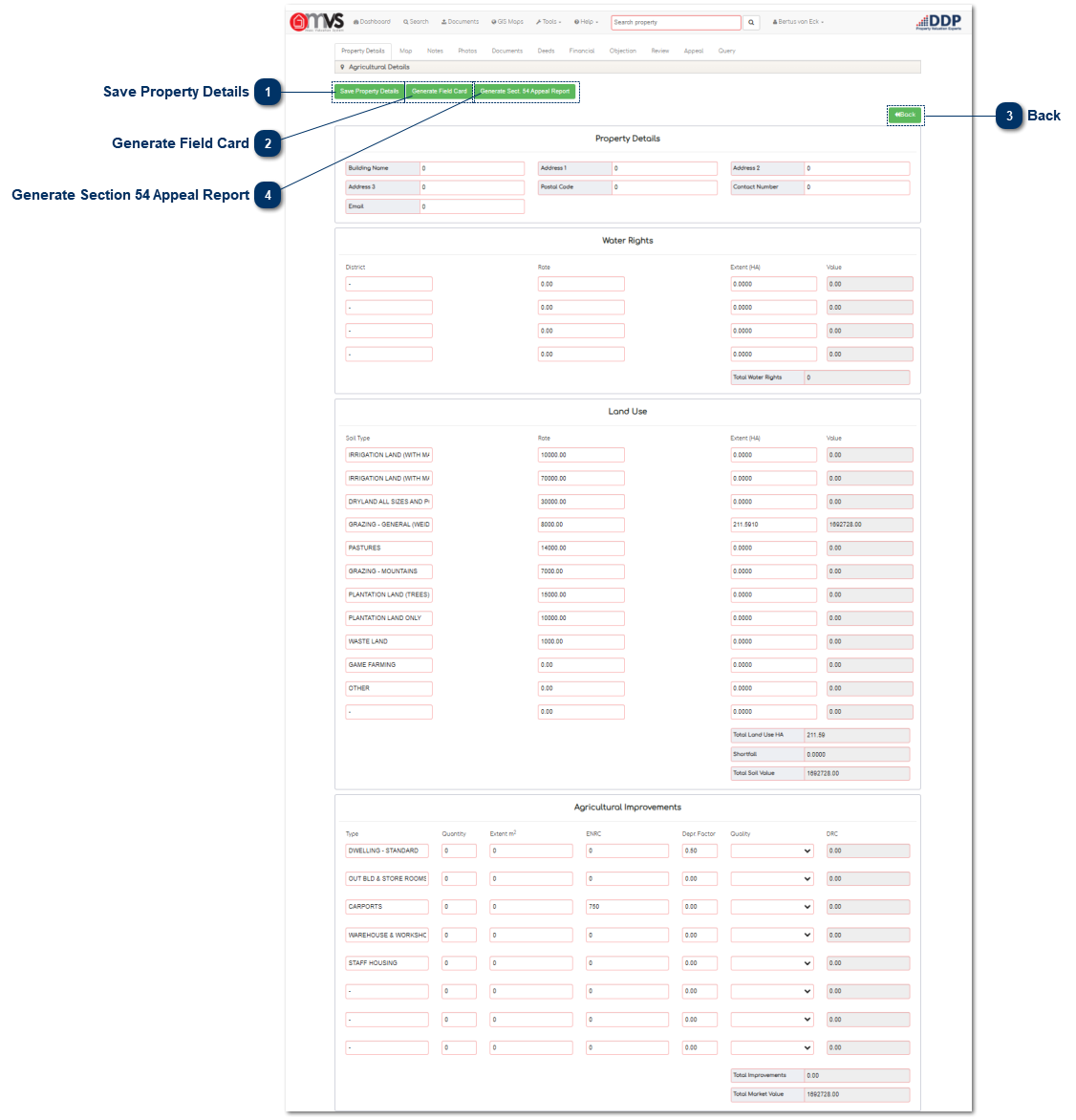
Save Property Details When the User has completed the Valuation the User must save the property details. The data will then be saved to the database.
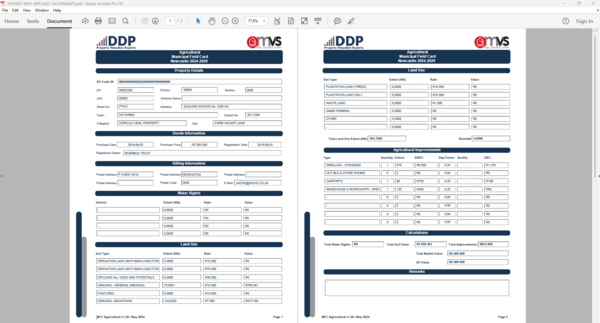
Generate Field Card When the User clicks, on the "Generate Field Card" button the MVS will complete and download the Municipal Field Card in a PDF format for Printing or to save on your PC.
Click on the "Download Field Card" to download and save.
Back Click the "Back" button to return to the Property Details page.
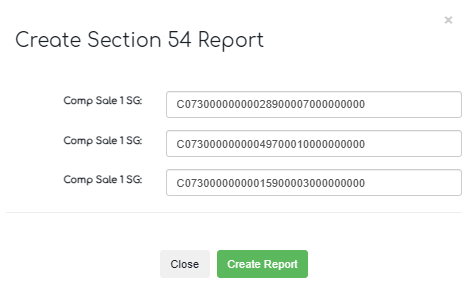
Generate Section 54 Appeal Report A window will appear for additional information to generate the Report:
User must insert three 30 Digit SG Codes of the Comparable Sales that he / she wants to use for the Report
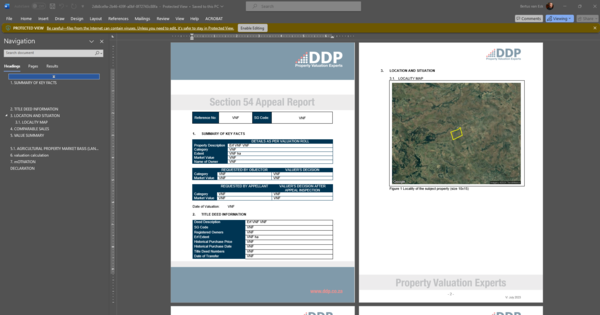
Click on the Create Report button, the download Report will appear, user can then download a workable Word document to Edit for the final Report.
Example of the Report is shown below: