To properly display this page you need a browser with JavaScript support.
×
Menu
Index
Search
Search
Search
5. Menu / Dashboard
5.9. Property Tab
5.9.1. Property Details
5.9.1.3. Actions
5.9.1.3.8. DCR Valuation (Depreciation Cost Replacement)
Previous page
Next page
To properly display this page you need a browser with JavaScript support.
5.9.1.3.8. DCR Valuation (Depreciation Cost Replacement)
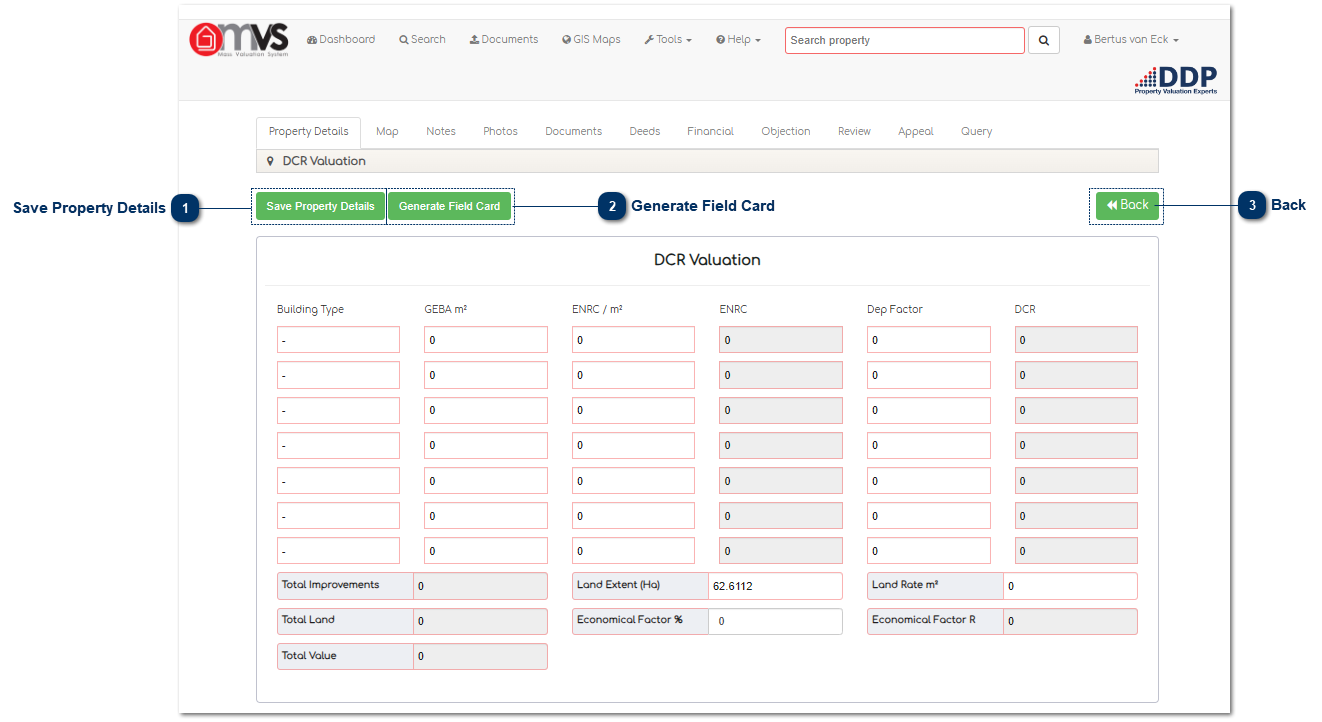
Save Property Details
When the User has completed the Valuation, the User must save the property details. The data will then be saved on the database.
Top
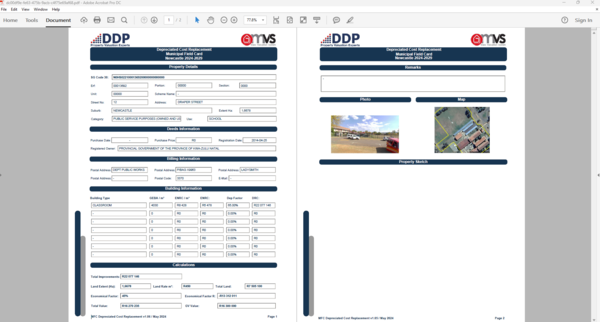
Generate Field Card
When the User clicks, on the "Generate Field Card" button the MVS will complete and download the Municipal Field Card in a PDF format for Printing or to save on your PC.
Click on the "Download Field Card" to download and save.
Top
Back
Click the "Back" button to return to the Property Details page.
Top
The contents of 5.9.1.3.8. DCR Valuation (Depreciation Cost Replacement)
5.9.1.3.8.1. DCR Calculations
The online help was created with Dr.Explain