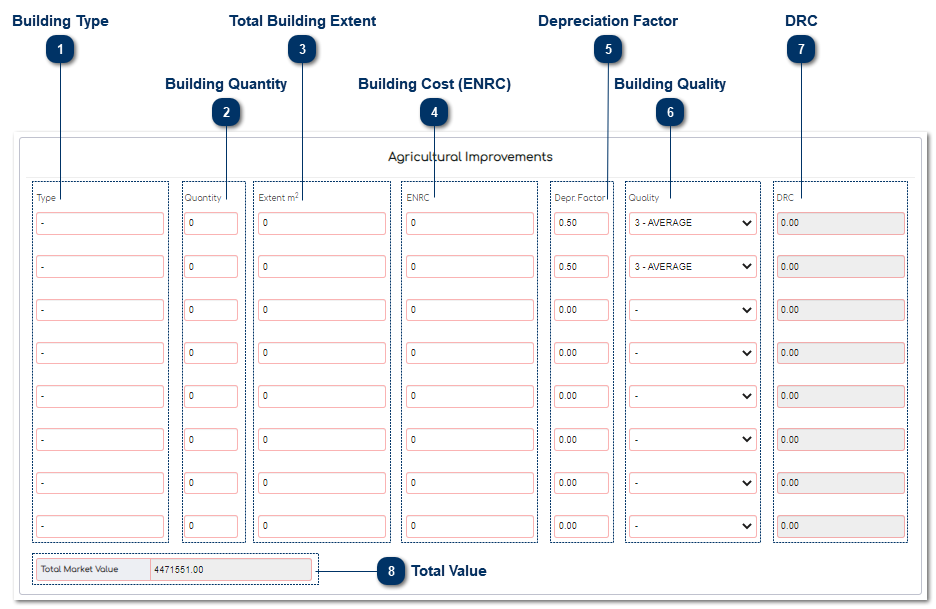
5.9.1.3.6.4. Agricultural Improvements
 Building TypeThe User must enter the building type.
|
|
 Building QuantityHere the User captures the number of buildings in a particular group, for example 10 - staff housing.
|
|
 Total Building ExtentHere the User captures the extent of buildings in a particular group.
|
|
 Building Cost (ENRC)The User must enter the building cost.
|
|
 Depreciation FactorThis is the factor that the User wants to use to depreciate the building with.
|
|
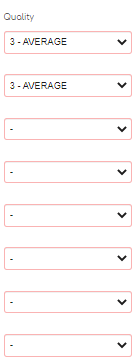
 Building QualityHere the User captures the quality of buildings in that group. The quality is set up in the project setup.
|
|
Calculations:
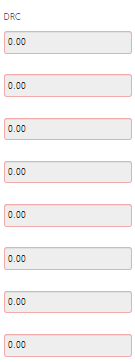
 DRCThis is a calculation field and the MVS will calculate the value for the selected buildings.
(Building Cost X Building Quality %) X Total Building Extent = Depreciation Replacement Cost
|
|
 Total Value This is a calculation field and the MVS will calculate the value as follows:
Total Water Rights + Total Soil Type + Total Depreciation Replacement Cost = Market Value
|
|
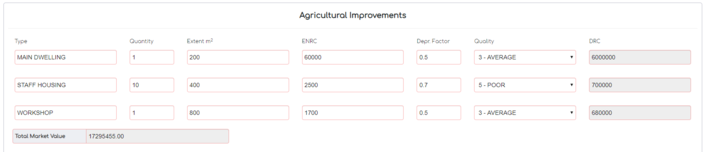
The final assessment on Agricultural Improvements should display as follows:
If the Valuer would like to leave a Remark on the Subject Property, this can be done in the "Remarks" field.
When the Valuer has completed the Valuation the Valuer must save the property details. The data will then be saved on the database.