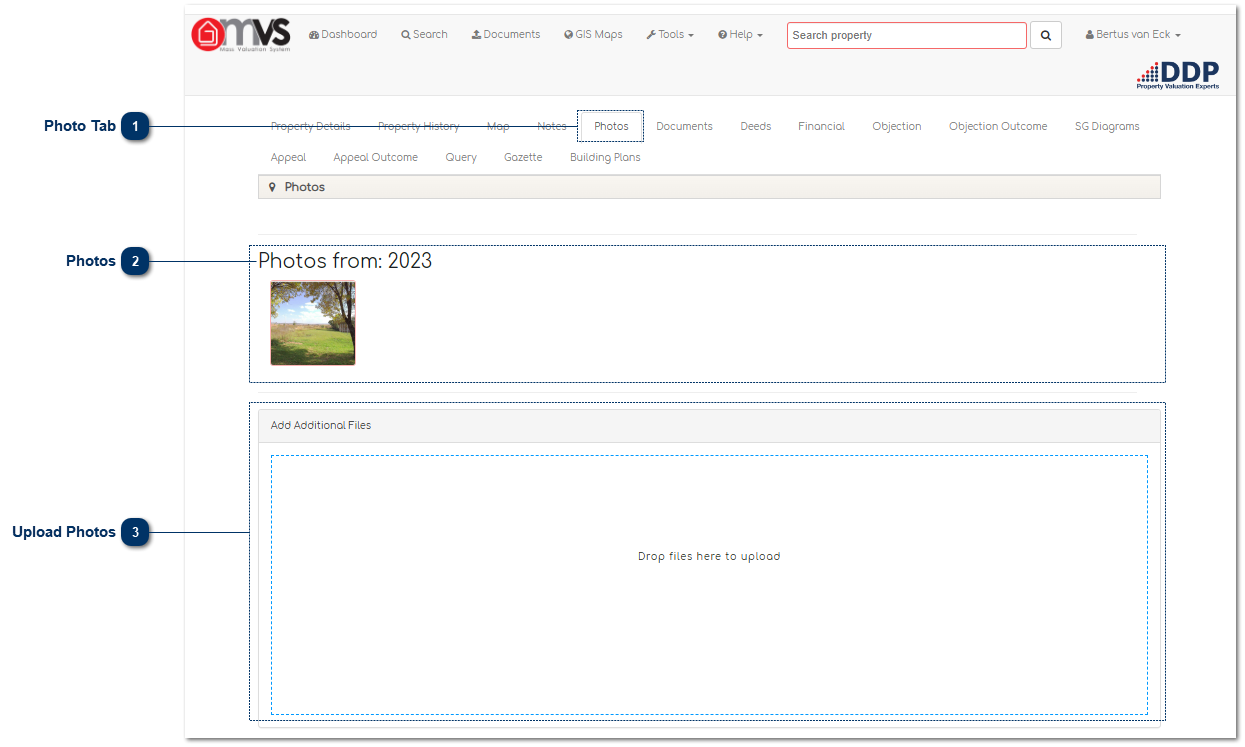
Photo TabThis is where the User can View and upload photos on the MVS.
|
|
 Photos
These are the photos that are imported onto the MVS.
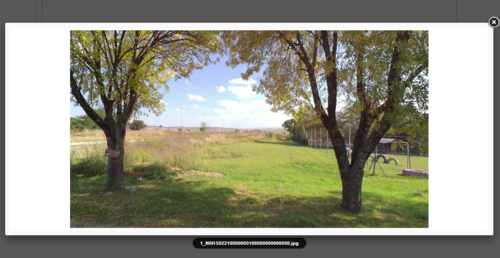
Photos can also be viewed as a full scale image by simply clicking on the image.
|
|
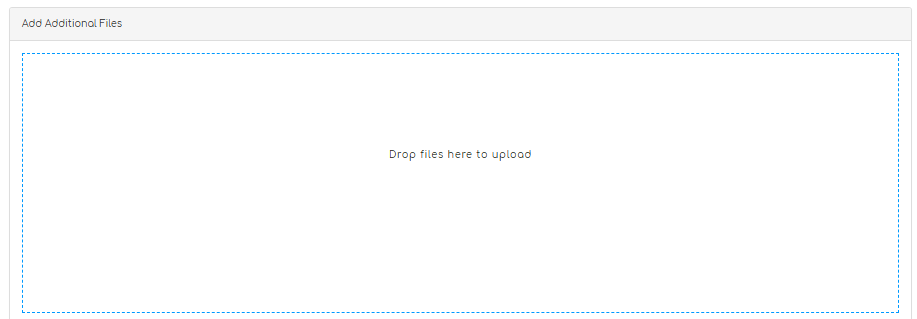
 Upload PhotosUsers can just drag and drop to upload a photo for the specific property.
|
|