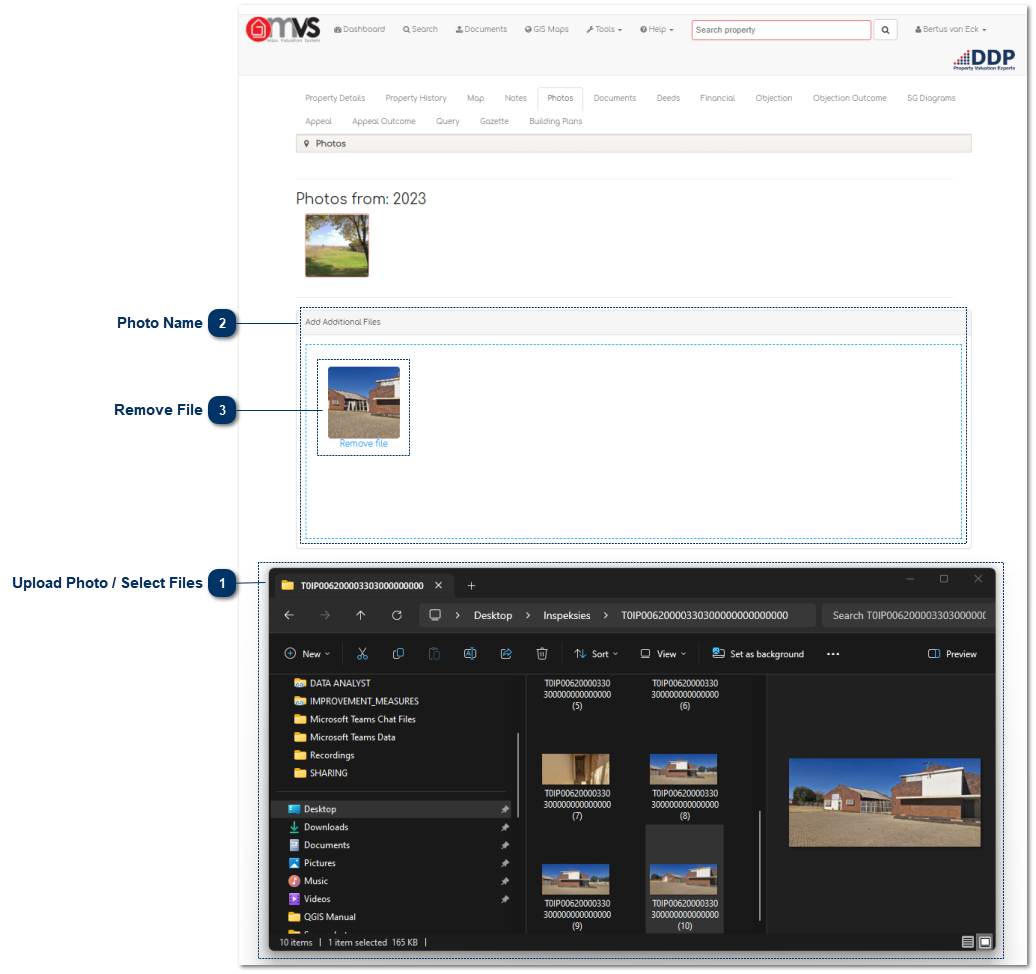
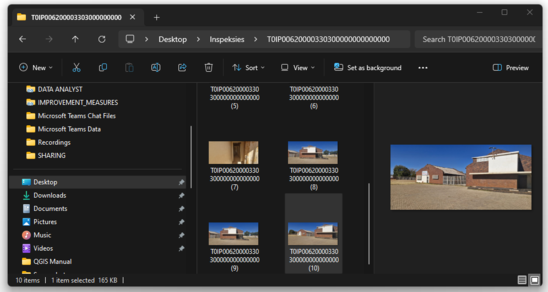
Upload Photo / Select FilesOpen the location of the files that you want to upload in your file explorer.
|
|
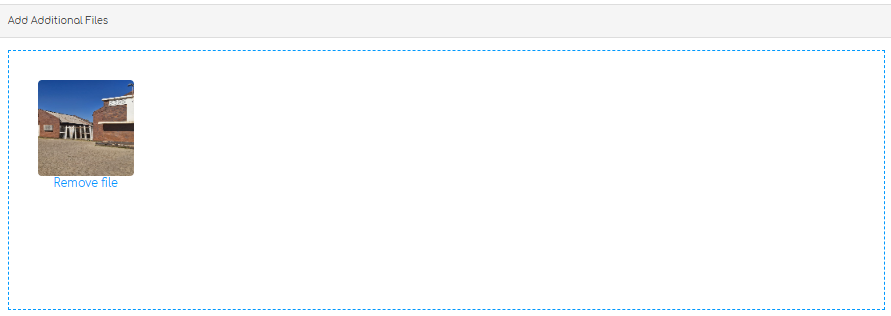
 Photo NameSimply drag and drop the file in the blue block where it indicates "Drop files here to upload".
|
|
 Remove FileIf it is the incorrect file just click on "Remove file" under the photo and select the correct file for upload.
The file will display as soon as it is uploaded and will be available in the Library and Photo Tab.
When you refresh or go back to documents on that property the document will display in the Library and Photo Tab.
|
|