5.9.9.5. Create Objection Reference Letter
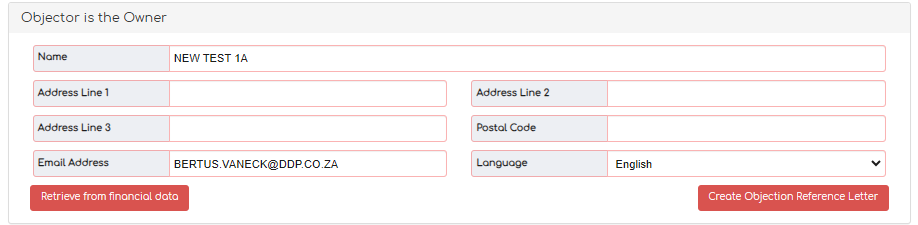
 Create Objection Reference LetterTo create a Objection Reference Letter click on the "Create Objection Reference Letter"
To create a Objection Reference Letter click on the "Create Objection Reference Letter"
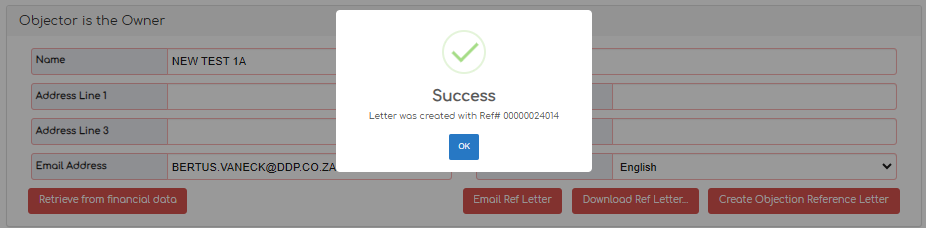
The window below will appear click "OK" the user will see additional buttons appeared next to Create Objection Reference Letter.
|
|
 Download Reference LetterClick on the "Download Ref Letter.." to download and save.
The Downloaded Reference letter will also be saved to the property Documents.
|
|
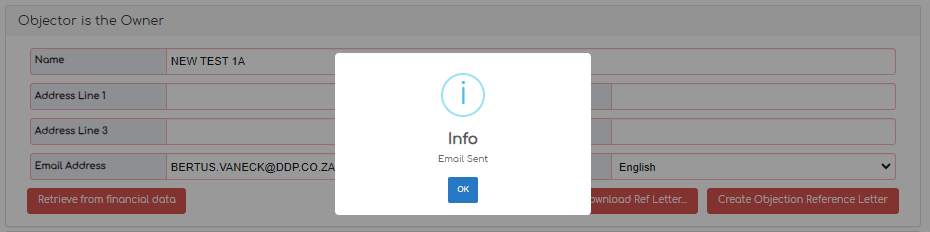
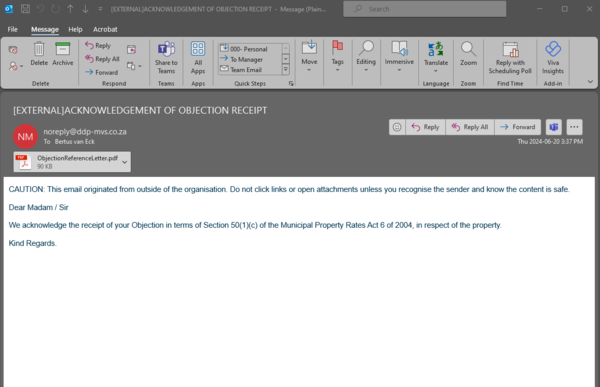
 Email Reference LetterClick on the "Email Ref Letter.." to email the reference letter to the email address that was entered in the "Email Address" capture field.
|
|