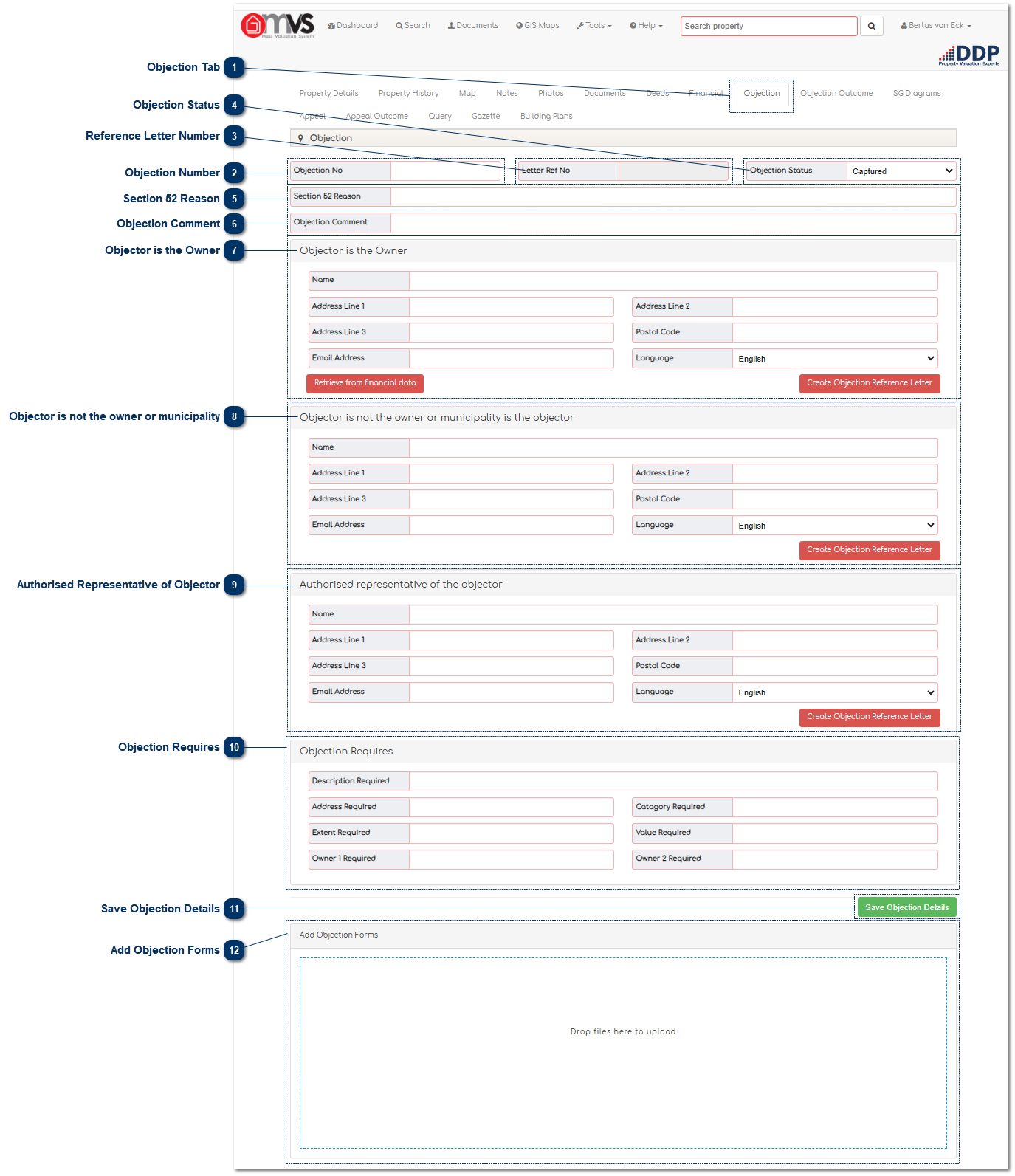
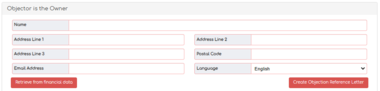
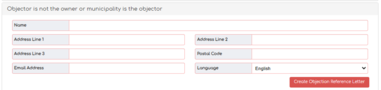
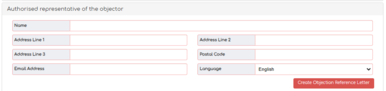
Please note that there are various reasons that allow owners (or their authorised representatives) to submit an objection against a specific property on the Municipality’s General Valuation Roll and Supplementary Valuation Rolls.
According to the Municipal Property Rates Act (MPRA) Section 50(1)(c) an objection with the municipal manager against any matter reflected in, or omitted from, the roll can be lodged against a single/specific property (Section 50(2)(1) c of the MPRA).
Legitimate reasons for lodging an objection include:
Town Allotment
Suburb
Sectional Title Scheme Name
Erf No
Portion
Section
Unit
Owner Name
Category
Physical Address
Extent
Market Value
Omitted
Farm Name
The following are not valid reasons/objections and will not be considered:
No Services
I am a pensioner (refer to rates policy regarding rebaits)
My rates are too high (refer to rates policy for cent in the rand)
Comparing to similar properties in the valuation roll (objection must be lodged against the property with the incorrect value and using market sales for comparison)
Comparing current value with previous valuation
Various erven on one objection form, (every erf must have own objection form)
Therefore, there are only certain legitimate reasons that an owner or their representative may object to certain aspects of a single property in the Valuation Roll (and not the Valuation Roll in its entirety).
Objection Tab
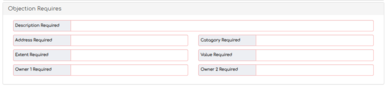
This is where the User can view and capture Objection information on the MVS.
When all the data is captured and the Valuer has reviewed all the Objections, the system will generate the outcome of objection letters. The data that was captured with email addresses will receive an email and the data captured with no email addresses can be exported as a PDF document, printed and can then be sent via postal mail.