To properly display this page you need a browser with JavaScript support.
×
Menu
Index
Search
Search
Search
5. Menu / Dashboard
5.8. User
Previous page
Next page
To properly display this page you need a browser with JavaScript support.
5.8. User
User
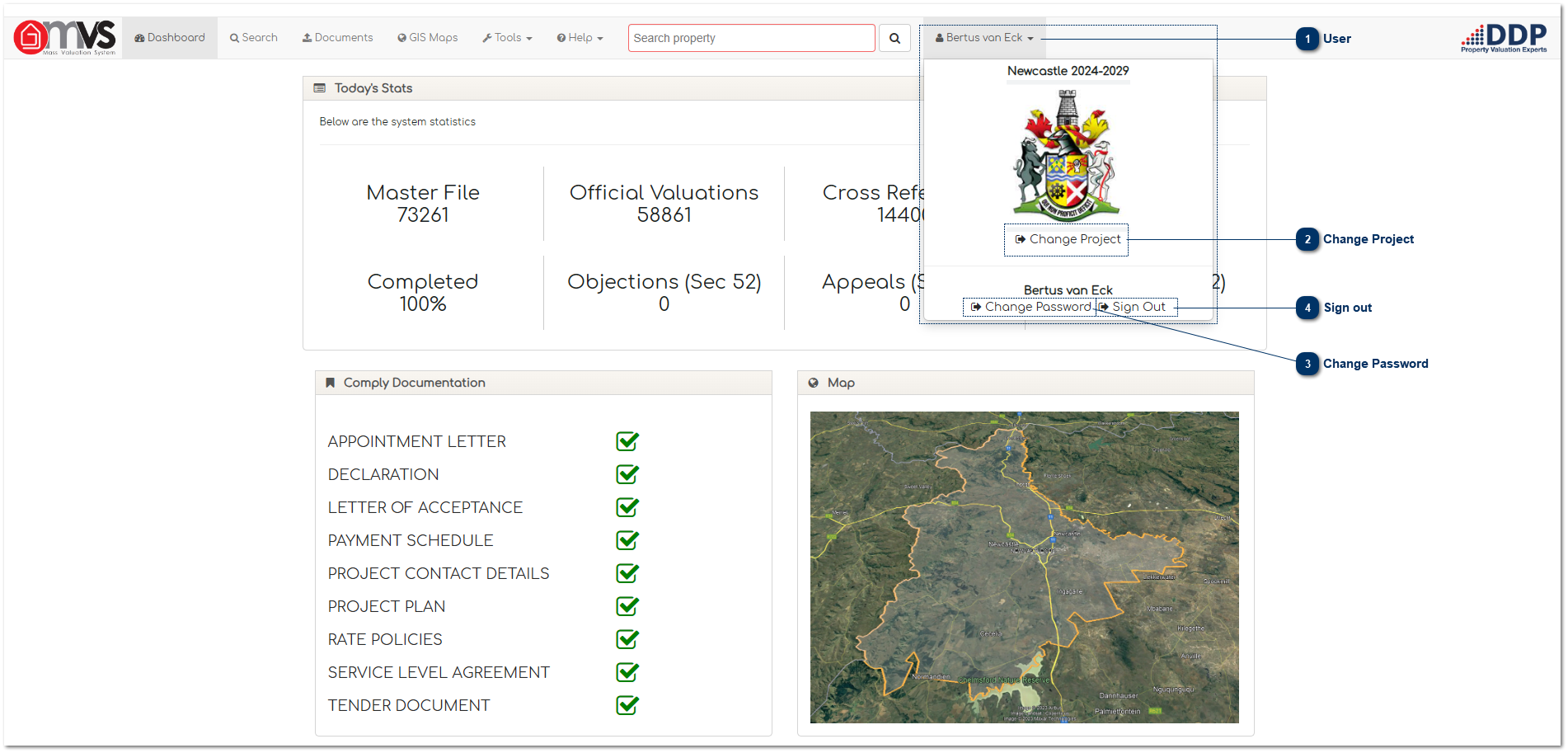
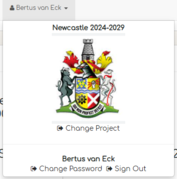
This will identify the User currently logged on to the MVS.
Top
Change Project
When the User clicks on "Change Project" the system will take them back to the select
project screen
.
Top
Change Password
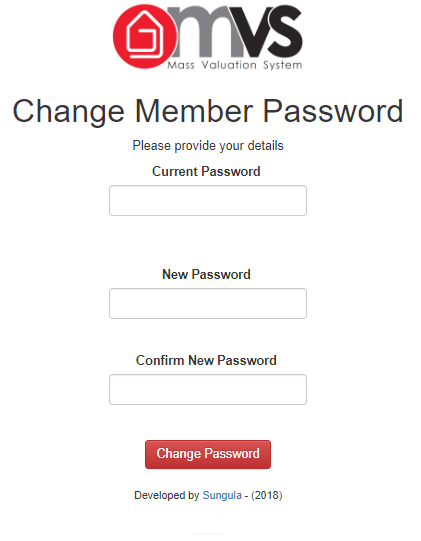
This is where the User can change his / her password. The system will take you to the change password screen.
Top
Sign out
This is where the User can sign out. The system will warn the User to log off after 15 minutes and will automatically log the User out after 20 minutes of inactivity on the system.
Top
The online help was created with Dr.Explain