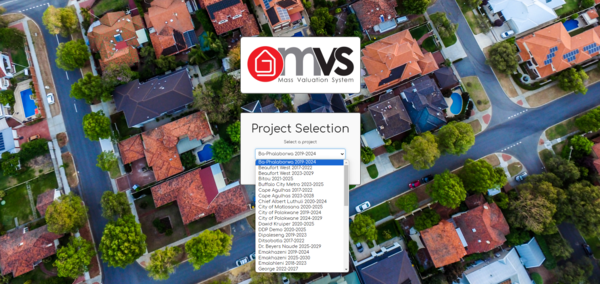
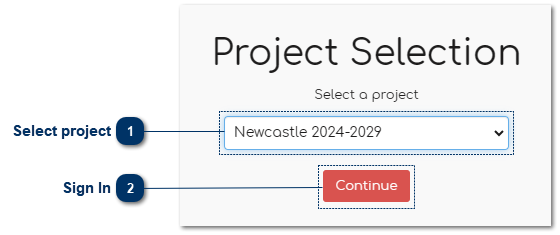
All projects loaded on the MVS will appear in the dropdown list from A to Z and can be selected by clicking on the particular project.
This screen is only available for Users with more than one project and DDP staff. Users with restricted and project-specific access will log directly into the system after entering their email and password.