To properly display this page you need a browser with JavaScript support.
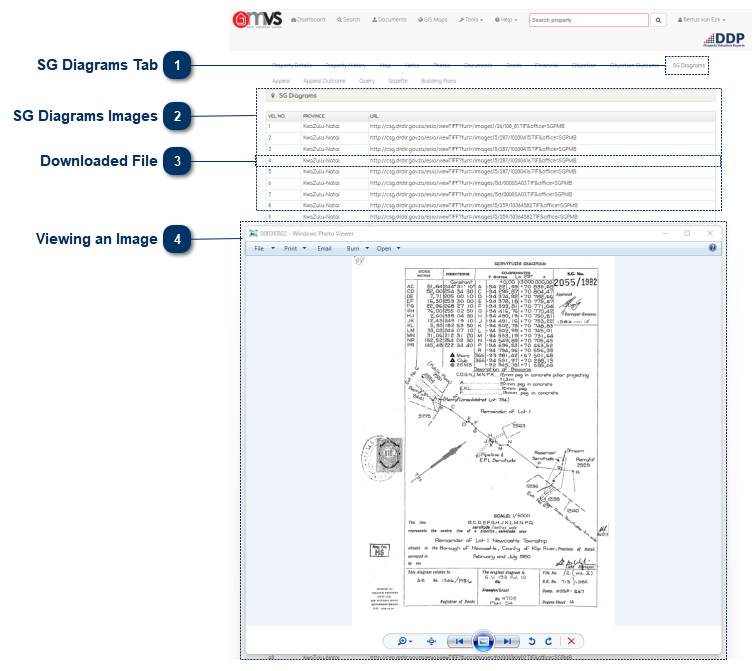
SG Diagrams Tab This is where the SG Diagrams that are linked to a property will be displayed on the MVS for download.
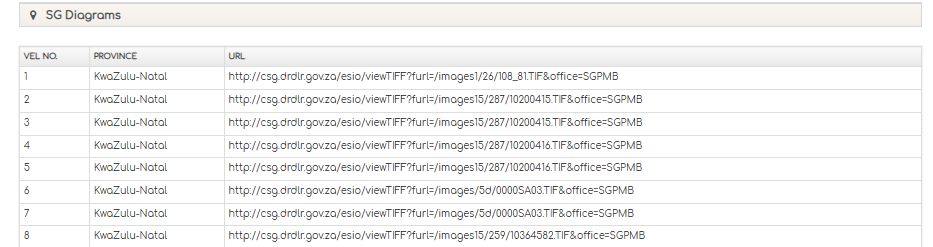
SG Diagrams Images This will indicate the number of sheets that are available as well as the Province (SG Office) where the sheets are registered.
If the sheets are at more than one SG Office it will show all the SG Offices where the sheets are registered.
Click on the URL and the image will download to your PC.
Downloaded File The downloaded file will show on your internet browser. If the file does not download copy the URL in to your search on Google for the File to download.
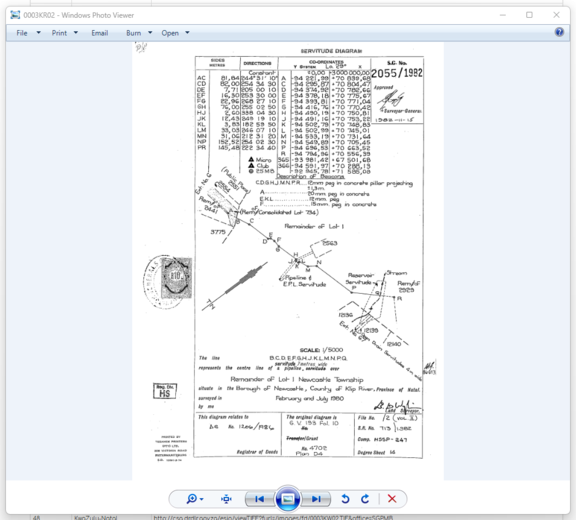
Viewing an Image By clicking on the image after it was downloaded the image will open in the User's Image viewer in his / her PC.