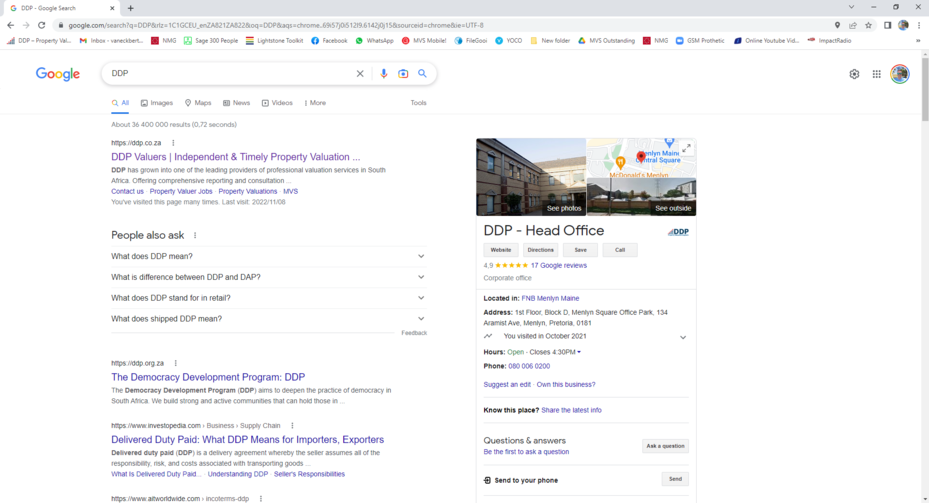
Open Google Chrome
Search for www.ddp.co.za or DDP on Google Chrome
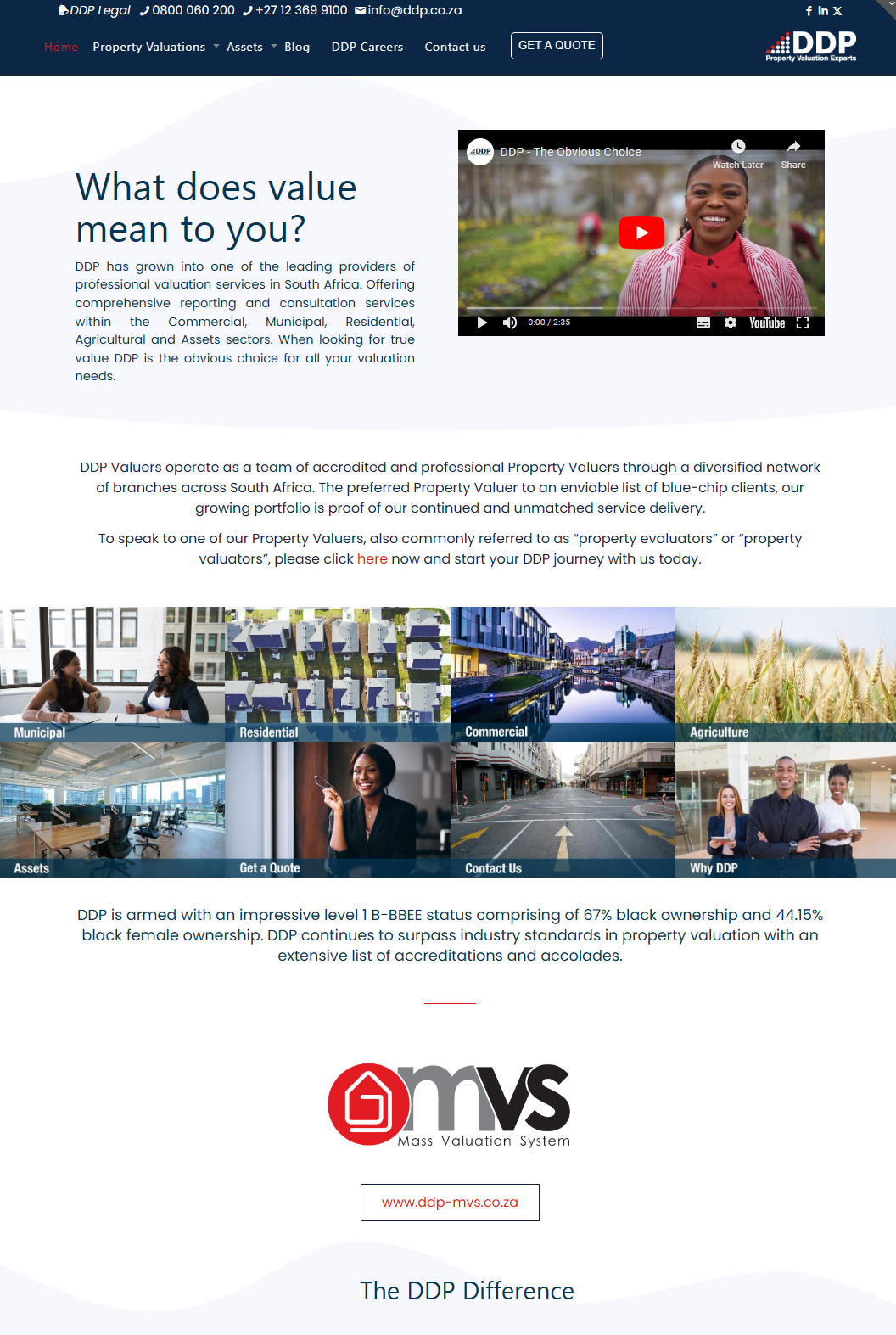
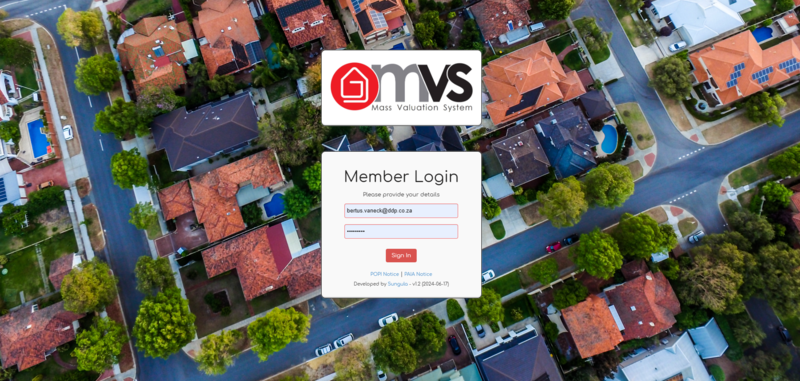
Click on ddp-mvs.co.za, tis will take you to the MVS Login Screen
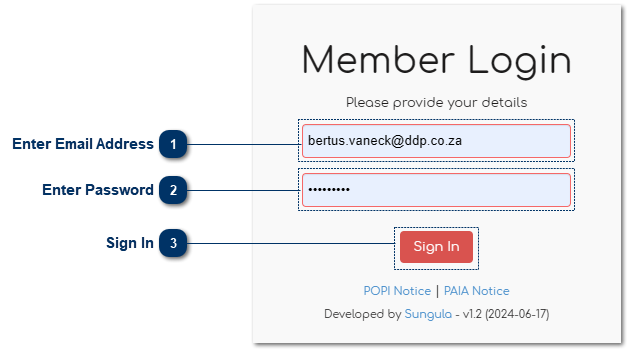
 Enter Email AddressEnter your email address here.
|
|
 Enter PasswordEnter your password here.
For first time Users the default password will be your email address. The “User” section of this manual will detail how the password can be changed.
|
|
 Sign InClick here to sign in.
|
|