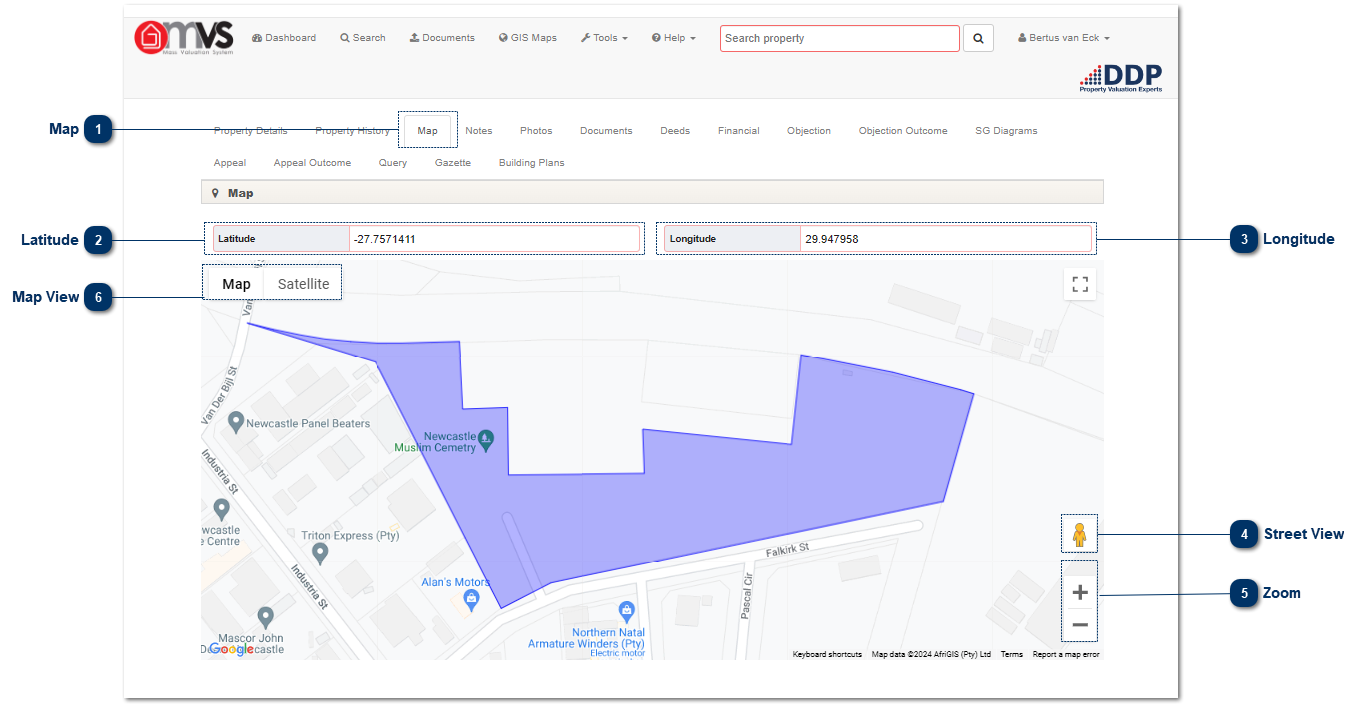
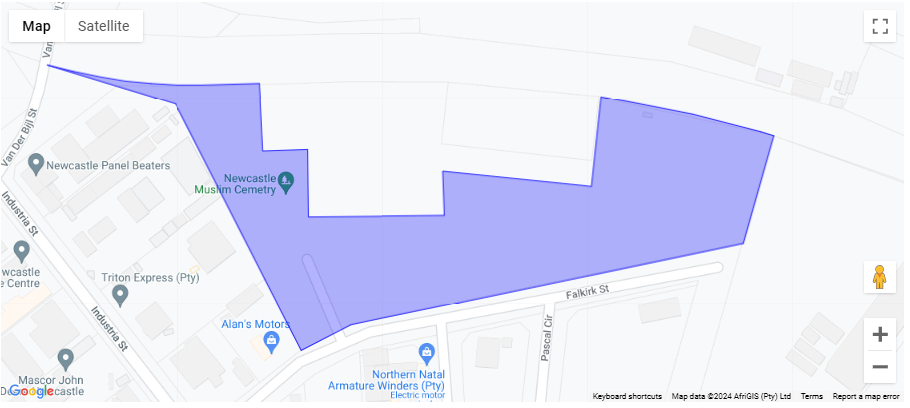
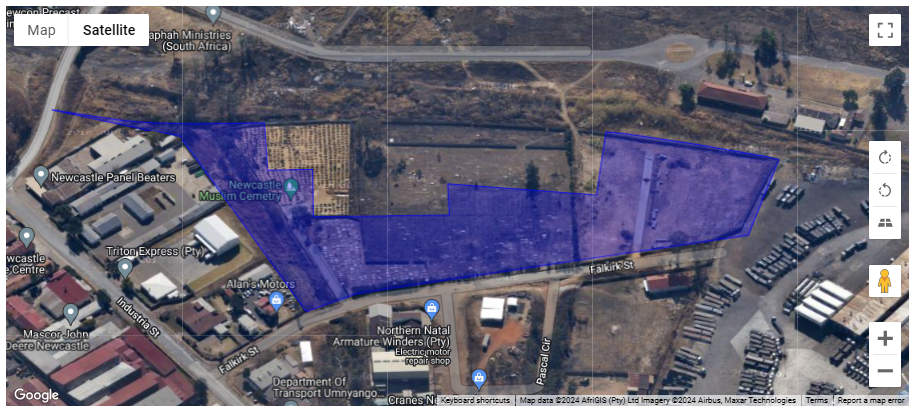
MapThis enables the User to view the "Google Imagery". If street view is available the User can view the street view photos as well.
|
|
 LatitudeThe Latitude will also show at the top of the screen if needed for GPS devices or to locate the property.
|
|
 LongitudeThe Longitude will also show at the top of the screen if needed for GPS devices or to locate the property.
|
|
 Street ViewIf street view is available the User can view the street view photos.
|
|
 ZoomThis enables the User to zoom the "Google Imagery".
|
|
 Map ViewThis enables the User to view with Google Imagery or the map without Google Imagery.
|
|